
Enhanced creative options for slides and videos with Gemini Notebook

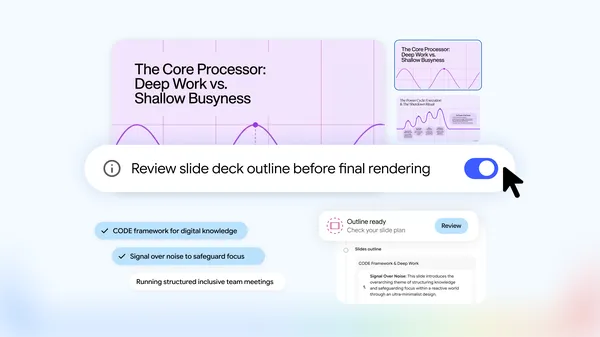
Gemini Notebook is introducing new features that provide users with increased creative control when crafting Slide Decks and Video Overviews.
The development of these features has been informed by user feedback, allowing for more flexibility from the initial stages through to the final product. Users can now enjoy a streamlined process that begins with a simple request to Gemini Notebook to create slides or video overviews. This process builds directly on user-provided sources to suggest relevant topics for the final artifact.
Once the suggested topics are confirmed, users have the opportunity to further refine the content, as well as influence the visual style and format. For those seeking even greater control, the “Review” toggle can be activated. This feature allows users to examine the plan in detail by clicking “Review outline notes” for slides or “Review producer notes” for videos. Before the final product is rendered, users can provide additional feedback, such as requesting an executive summary at the beginning or altering the sequence of scenes.
Users who already have a clear vision of their desired outcome can specify their preferences directly in their initial prompt. This will take them straight to the review flow, bypassing the initial suggested steps. Alternatively, for those who prefer a quicker process, the studio panel offers a way to skip the review toggle and proceed directly to generating the artifacts.
These enhanced co-creation features are being made available to all Gemini Notebook users worldwide in the coming week.


